Hide the brute-force warning in Synology DSM
Compatibility warning for DSM 7.x!
The solution in this post might be incompatible withDSM 7.xas I have not tested it yet.
You have been warned.
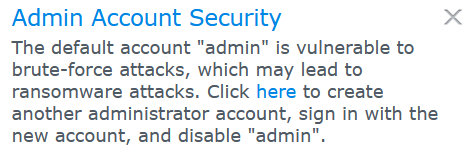
The latest versions of Synology DSM add a warning if you are using the default system administrator account (Username admin) – for obvious reasons! However, if you want to hide the warning (which I do not recommend at all), you can use the following manual:
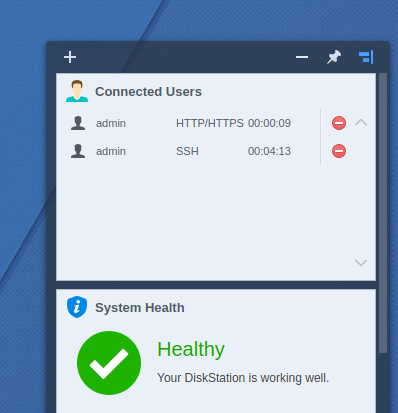
Log in via SSH. If you don’t know how to do that, I have already explained it in another article. Enter the following command to open a text editor for a configuration file that we are about to change:
sudo vi /usr/syno/synoman/webman/modules/DisableAdminNotification/configThis opens a CLI editor after you’ve entered your root password. Press I. After that, use your right arrow key to navigate to "autoLaunch":true – now, replace the true with a false. This stops DSM from loading the brute-force warning.
To save your changes, press Esc and enter :wq – press Enter to close the text editor. The warning should now be hidden.
Tested & works with DSM 7.1-42661 Update 2