VoWiFi/VoLTE – Playing around with IPsec, ePDG and IMS in Asterisk
Starting from 4G, mobile networks shifted towards all-IP. Meaning: Also voice is now being transmitted over the Internet Protocol. The so-called IMS (IP Multimedia Subsystem), which is in charge of providing IP media services to the mobile network uses SIP as a base protocol and is built upon several common default, such as IPsec using EAP authentication (which you might now if you’ve ever dealt with RADIUS or AAA in general).
Because VoWiFi and VoLTE use SIP, one could wonder if you could just use an Asterisk server to connect to a “mobile trunk” without even needing cell reception. Turns out there’s a pretty cool project that does just that: Osmocom‘s Open Source IMS Client.
Apart from being fun to set up, you might also learn some cool stuff about mobile networking, VPN tunnels and packet inspection!
Required hardware
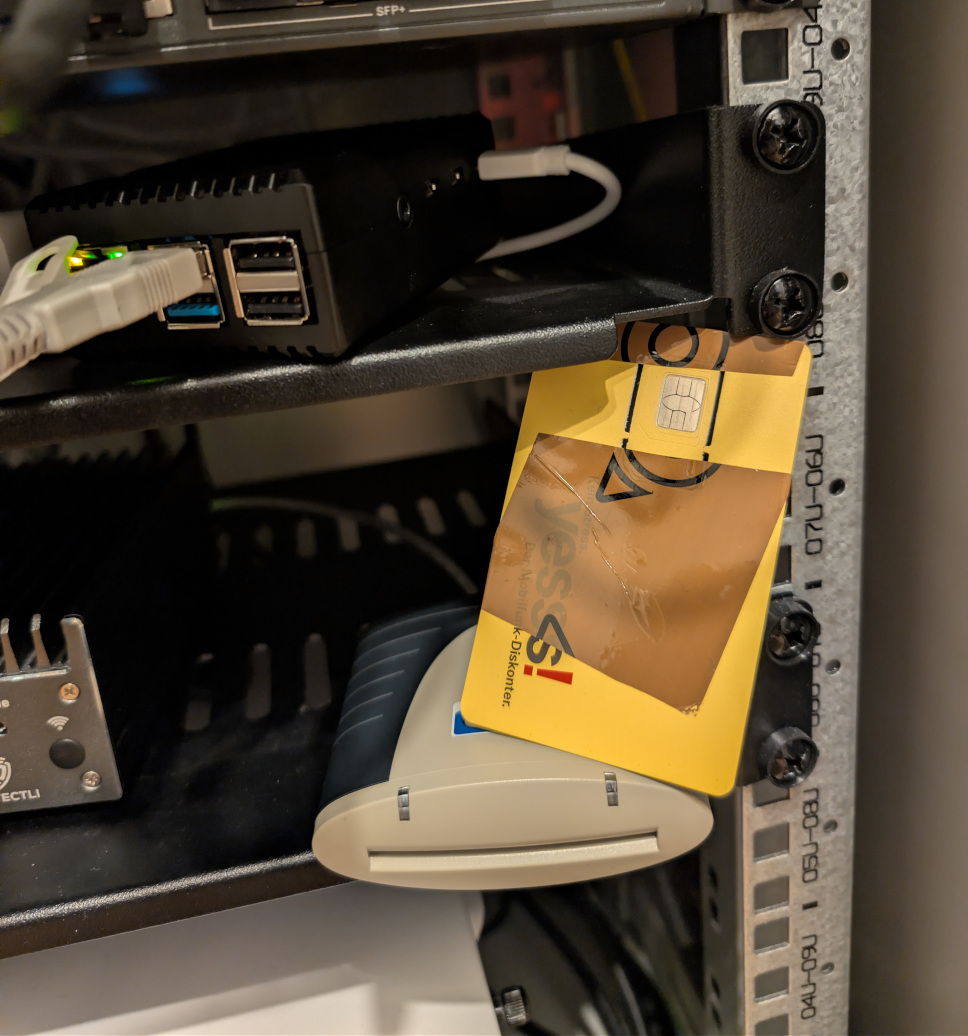
To continue, you’ll need a PC/SC compliant smart card reader. I’ve used the one pictured in the official Osmocom docs, an OMNIKEY 3121. Oh – and your SIM card. Mine was unlocked i.e. PIN entry disabled: I have not tested it with a PIN being set.
Setting up the IMS client
I followed the manual at https://osmocom.org/projects/foss-ims-client/wiki/VoWiFi_with_Asterisk to get started.
Use the strongSwan client (Option 2 in the manual) to connect to the VPN server.
Here are all the packages I had to install on Raspberry Pi OS (because I sometimes had a hard time finding all the needed libraries!):
For the PC/SC-compliant smart card reader:
sudo apt install pcscd \
    libpcsclite-dev \
    python3 \
    python3-setuptools \
    python3-pycryptodome \
    python3-pyscard \
    python3-pip \
    pcsc-tools
For building the software:
sudo apt install autoconf \
    flex \
    virtualenv \
    libosmocore-dev \
    bison \
    byacc \
    libgmp-dev \
    gperf \
    automake \
    libtool \
    pkg-config \
    m4 \
    gettext \
    git
For the AMR voice codec:
sudo apt install libopencore-amrnb-dev \
    libopencore-amrwb-dev \
    libvo-amrwbenc-dev
For packet capturing:
sudo apt install tcpdumpCapturing packets
Assuming you’ve followed the Osmocom manual correctly, your /usr/local/etc/strongswan.d/charon/save-keys.conf file contains the following:
save-keys {
    esp = yes
    ike = yes
    load = yes
    wireshark_keys = /home/<user>/.config/wireshark/profiles/volte2/
}
When you’re connected to the IPsec tunnel you can use the following commands to start a packet capture:
sudo ip netns exec ims bash
sudo tcpdump -vni tun23 -s 0 -w ims.pcap -c 100000
This will save a .pcap file called ims.pcap in the current directory. I copied the file to my local PC via SFTP using FileZilla.
Copying the keys
Copy the keys from the directory specified in your /usr/local/etc/strongswan.d/charon/save-keys.conf file. My suggestion is to copy the two files ikev2_decryption_table and esp_sa into your Wireshark config folder at ~/.config/wireshark/profiles/volte2!
Opening in Wireshark
After opening the .pcap file in Wireshark, you will likely see only UDP packets and some black ESP stuff:

Click on Edit → Preferences. In the dialog, select Protocols → ESP. Tick “Attempt to detect/decode NULL encrypted ESP payloads” and click on the “Edit…” button next to ESP SAs:

In the dialog, click on Copy from… and select volte2. Your keys should appear:


Click on OK to save twice. Your packet capture should look a bit more like a “real” capture now 😉
Inspecting traffic
Filter tip: sdp || sip (add || amr || amr_wb if you want to see call data too)
Something interesting I’ve found: My provider seems to pass through User-Agent headers of all clients. I don’t know if that’s a 3GPP requirement, but it’s a bit questionable from a privacy standpoint: Most phones announce their manufacturer and model number:

This means that everyone that you call using VoLTE or VoWiFi might be able to know which phone you’ve used to call them.
Calling from Asterisk
I haven’t figured out this one yet. When I enter console dial <number> the call doesn’t go through with my mobile phone operator – an announcement gets played, something along the lines of “The user input was invalid”. Receiving calls works just fine.
SMS support
Usually you’re also able to receive and send SMS over VoWiFi. Osmocom does not implement this yet – or at least not via a simple way. See https://osmocom.org/issues/6646 for the current state.
No comments yet.